
STL Engineering
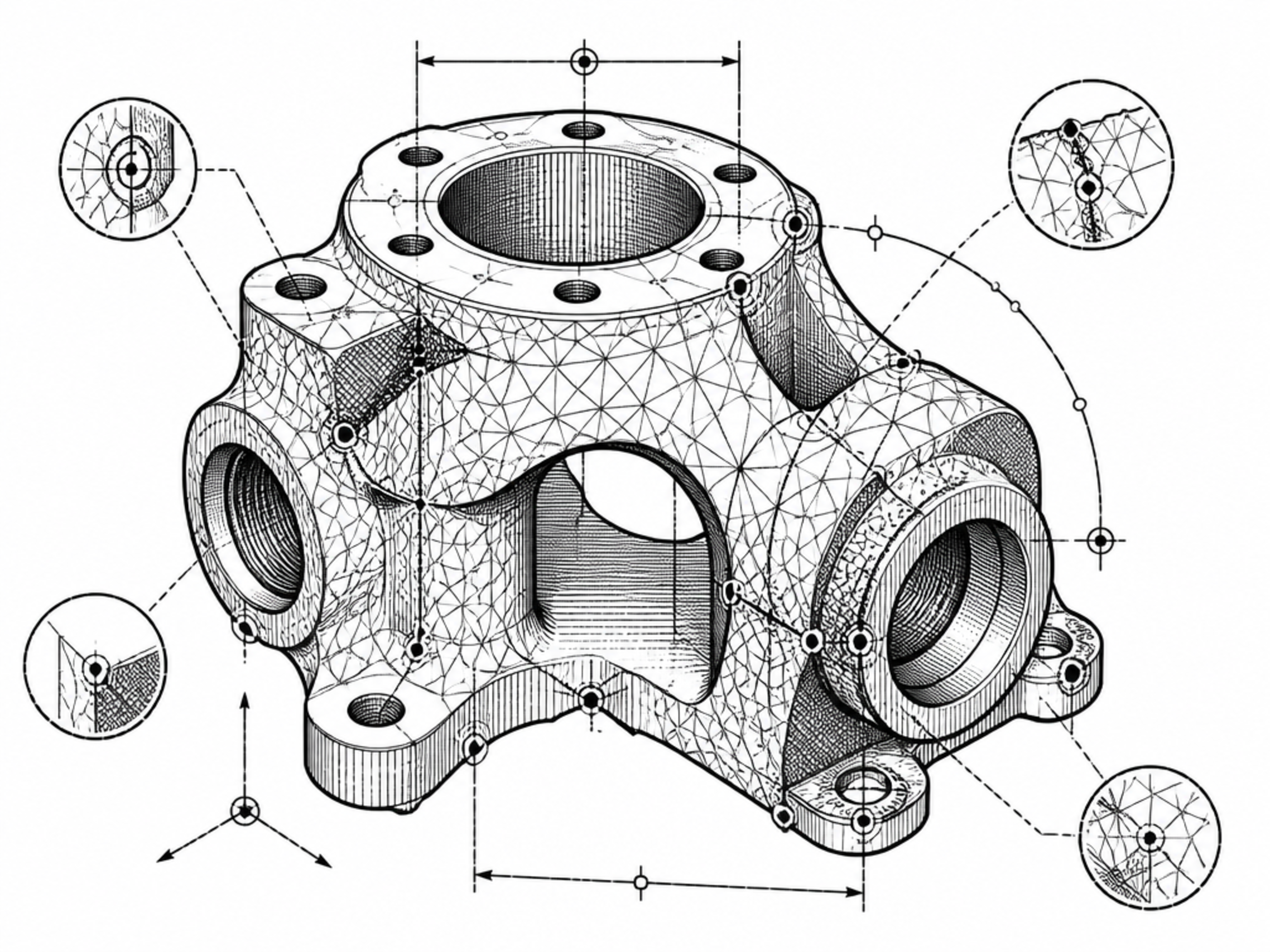
Analyse triangulated mesh geometry, identify boundary edges, non-manifold conditions, watertightness and other measurable STL findings.
Applied Engineering Science
Moksha3D connects engineering analysis, mesh validation, model preparation, 3D generation, digital marketplaces and manufacturing workflows inside one connected platform.
From STL mesh analysis and 3MF engineering inspection to STEP CAD interrogation, Moksha3D helps identify geometry problems such as boundary edges, non-manifold conditions and watertightness issues before a model progresses toward 3D printing or manufacturing.
The platform brings analysis, engineering interpretation, repair guidance, slicing and validation into a connected workflow, helping designers, engineers and 3D printing users move from digital model files toward verified, manufacturing-ready geometry.
Our mission is simple: make 3D printing easier to understand, easier to validate and easier to move from digital geometry toward physical production.
Digital Geometry → Physical Production
3D Model
STL · 3MF · STEP
Moksha3D Engineering
Validated Geometry
Engineering checks completed
Manufacturing
Digital geometry → physical component
Moksha3D Engineering Workflow
Step 1
Analyse
Step 2
Interpret
Step 3
Inspect
Step 4
Repair
Step 5
Re-analyse
Step 6
Verify
Why Moksha3D?
3D printing and additive manufacturing often require several separate applications. A model may begin in CAD, move into mesh analysis, require geometry investigation or repair, continue through slicing and finally reach manufacturing.
Each transition can introduce uncertainty. File formats describe geometry differently, analysis tools can report different findings, and a model that opens successfully is not necessarily ready for manufacturing.
Moksha3D is being developed as a connected engineering platform that helps users understand those transitions and make decisions using measurable evidence rather than guesswork.
Core Capabilities
Analyse triangulated mesh geometry, identify boundary edges, non-manifold conditions, watertightness and other measurable STL findings.
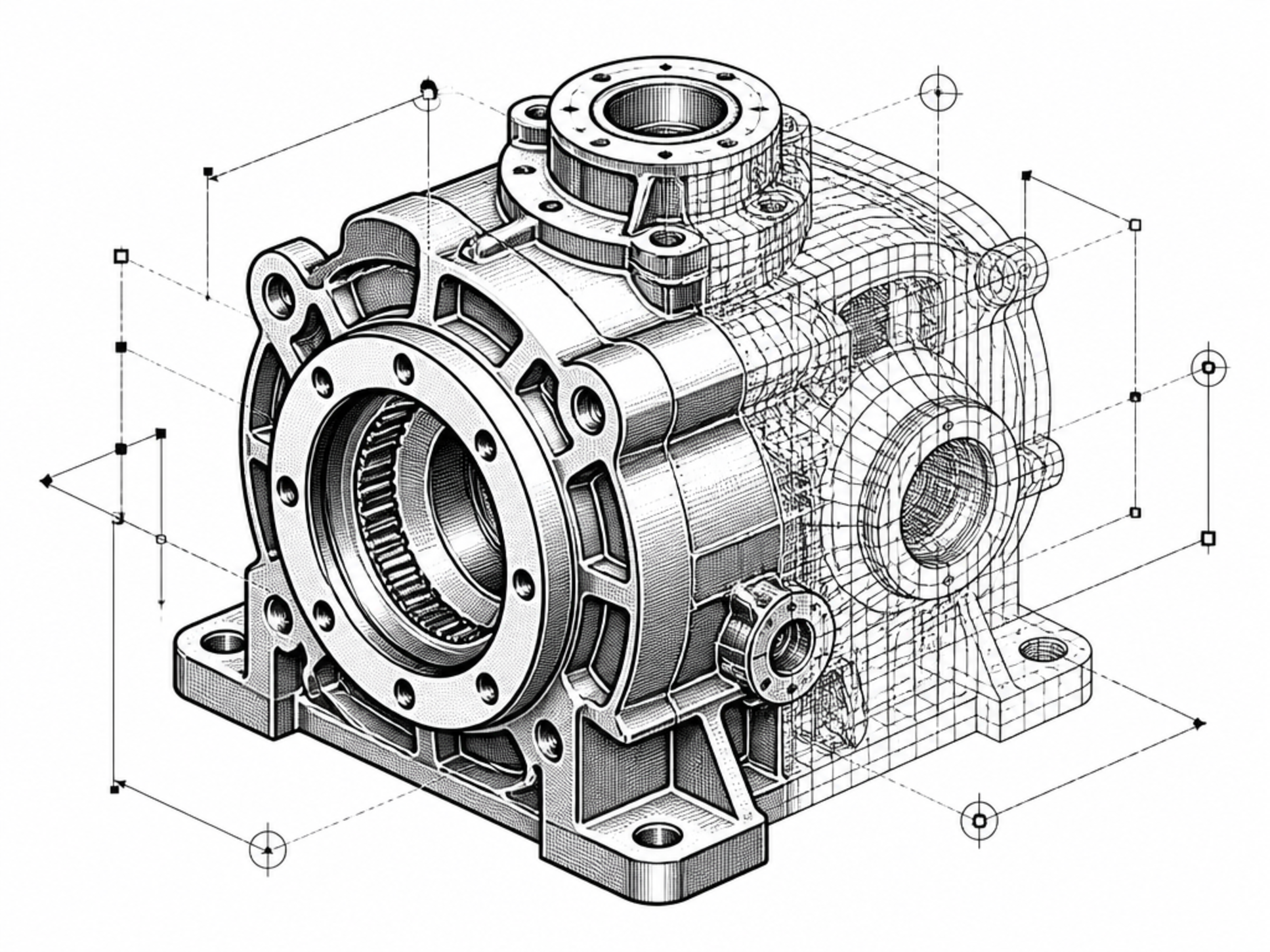
Inspect 3MF geometry together with package structure, units, materials, metadata and manufacturing information where present.
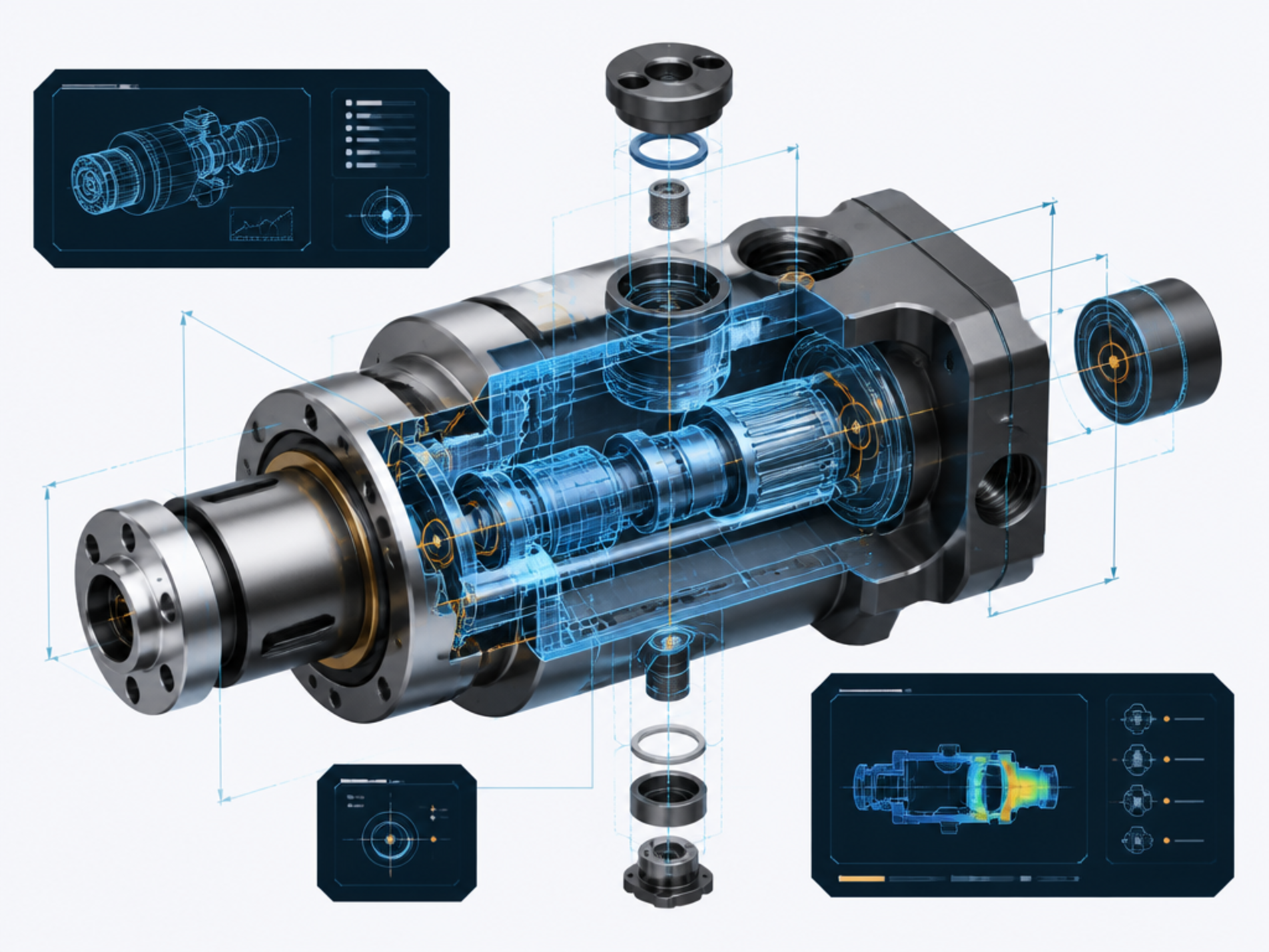
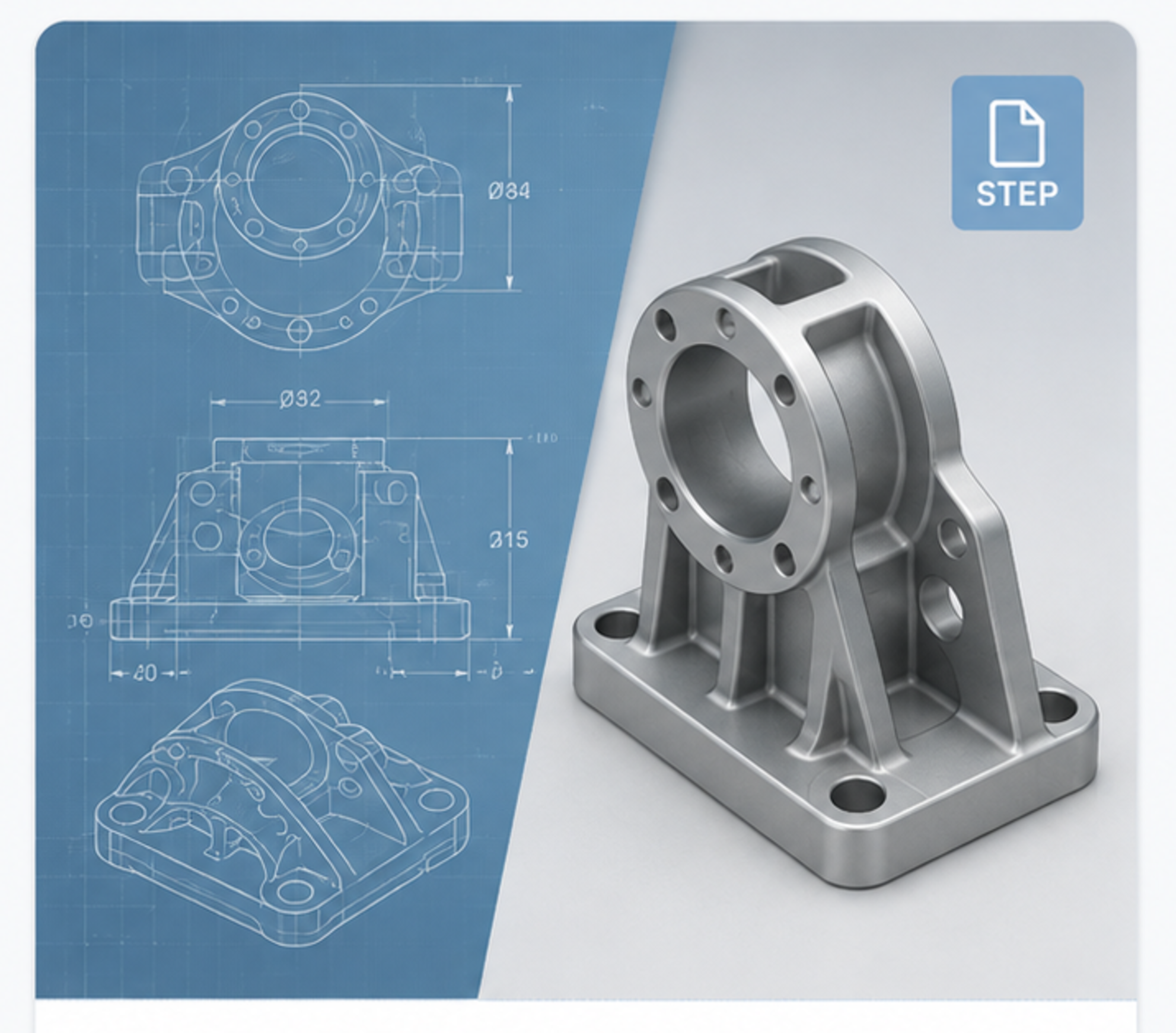
Interrogate CAD geometry and engineering properties from STEP files as part of a manufacturing-focused workflow.
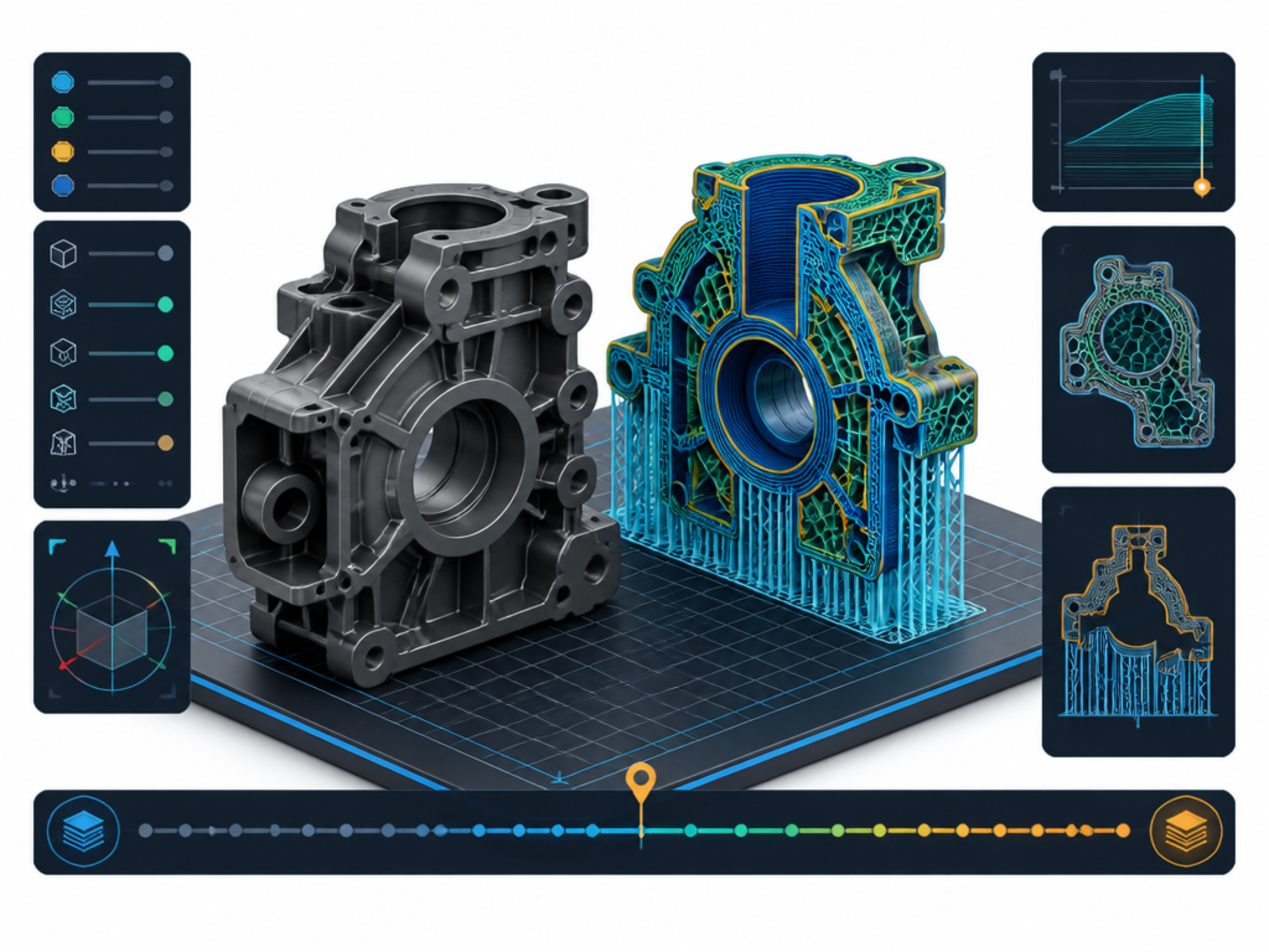
Prepare models for manufacturing and inspect layer generation as part of the final verification process before production.
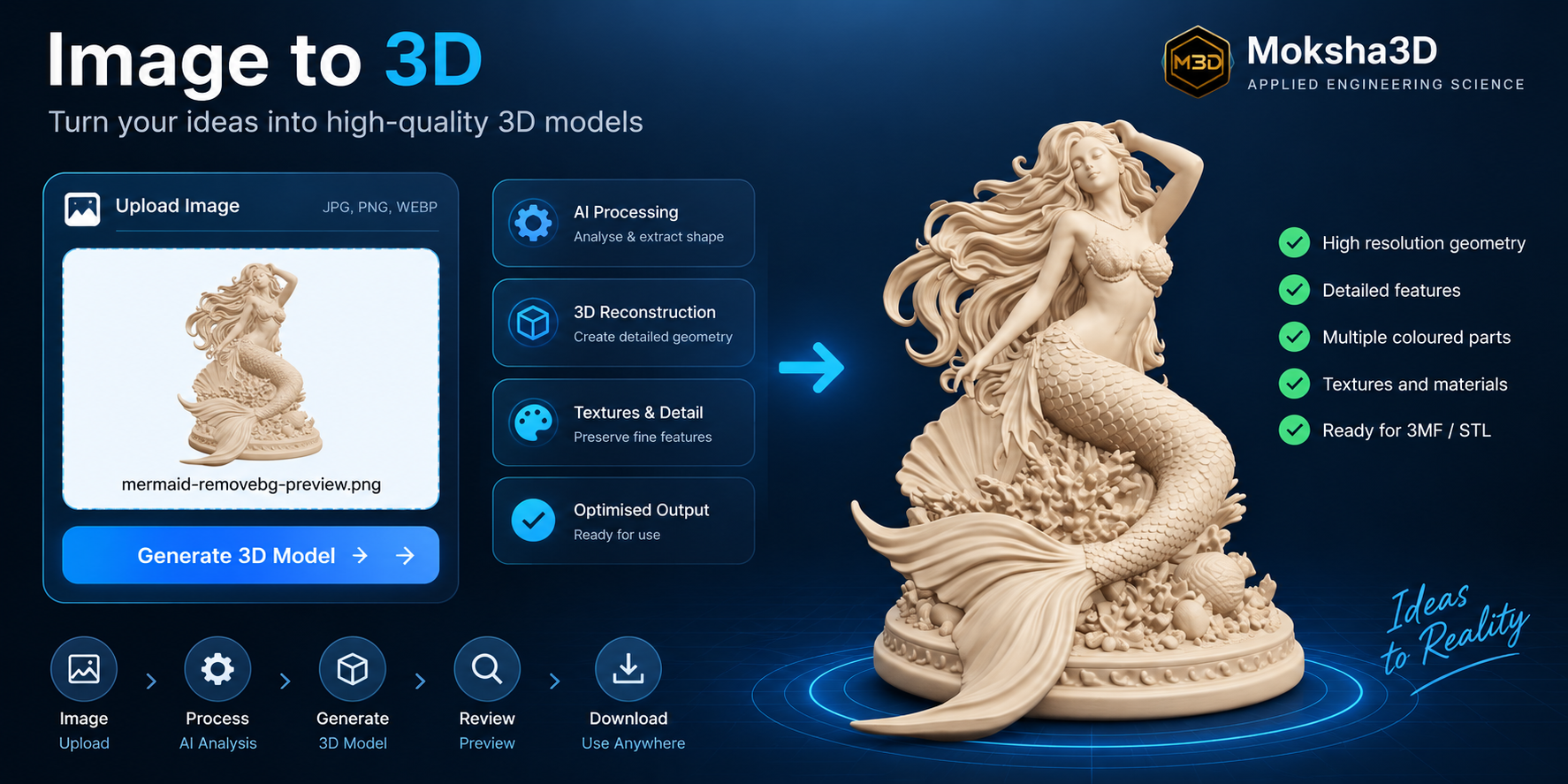
Create 3D geometry from images and continue through analysis, validation and manufacturing preparation.
Connect digital 3D models with buyers, sellers and manufacturing workflows inside the broader Moksha3D ecosystem.
Repair & Validation
Moksha3D separates analysis from engineering judgement. A warning should not automatically trigger a repair. First understand the geometry, then inspect the affected region, choose an appropriate repair method and verify the result afterwards.
STL
Understand mesh faults, inspect geometry, choose repair tools and re-analyse the resulting model.
Open STL Repair Guide →3MF
Interpret 3MF findings, investigate mesh conditions and cross-check repairs using Blender, Meshmixer, MeshLab and slicer verification.
Open 3MF Engineering Guide →Driven by Engineering Science
Different software can describe the same model differently because geometry analysis depends on definitions, tolerances, preprocessing and the structure of the file being inspected.
Moksha3D therefore focuses on measurable findings, engineering interpretation and independent verification before a model is considered ready for its intended use.
Join the Moksha3D Community
Whether you are investigating a single model, preparing a digital design for sale or developing a manufacturing workflow, Moksha3D brings engineering tools and resources together in one place.